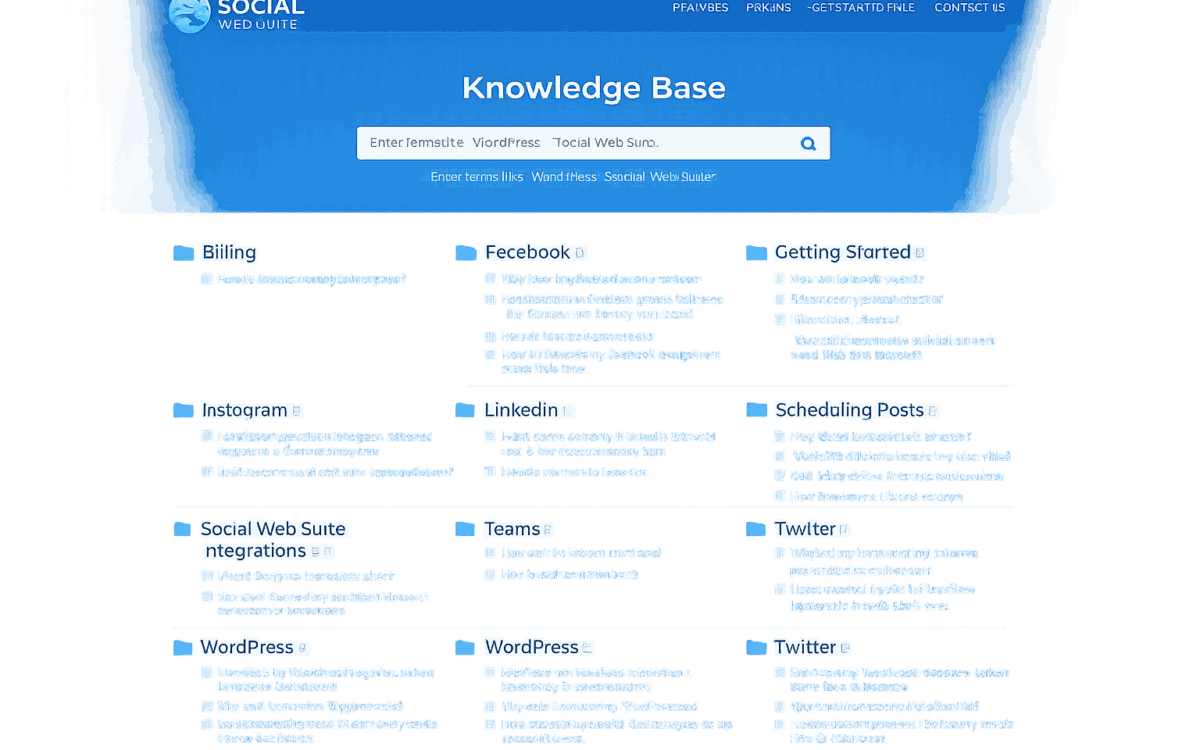
A SaaS knowledge base has a different relationship with its readers than a blog or marketing site. Users arrive already frustrated - they have hit a problem with the application and need an answer fast. The quality of the knowledge base experience directly affects how those users feel about the product: a help site that solves their problem quickly reduces support ticket volume, increases satisfaction, and builds confidence in the platform. A help site that is hard to navigate or returns unhelpful search results sends them to the support queue and leaves them with a worse impression of the product.
Adapting a generic blog or marketing theme to documentation is the wrong approach. The design decisions, template structure, and content tools that serve a blog audience work against a documentation audience. Users navigating a help site scan differently, use search differently, and need navigational cues that a blog does not require. Building purpose-specific is the only way to get all of those right simultaneously.
Accordion Shortcode System
Three-level structure: accordion container, accordion item title, accordion item content. Complex FAQ sections and multi-step procedures can be collapsed into an expandable interface, giving readers a collapsed overview before diving into step details. QuickTags buttons registered for all shortcodes so content editors insert them with a toolbar click rather than typing syntax manually.
Note/Callout Shortcode
Styled blockquote callout for warnings, tips, and notices - content that needs to stand out from surrounding text. The QuickTags button inserts the correct wrapper syntax without requiring the editor to remember the shortcode structure.
Scoped Search
Specific pages excluded from search results - contact page, about page, administrative pages - so the search results surface only documentation content. A user searching for “billing” finds billing documentation, not the contact page.
Custom Breadcrumbs
Built as a custom function rather than a plugin - home icon, category context for single posts, page title for static pages. The breadcrumb logic matches exactly the navigation model of the knowledge base rather than requiring configuration of a general-purpose plugin.
Bootstrap Badge Widget Counts
Category and archive sidebar widget counts rendered as Bootstrap badge pills rather than plain parenthetical numbers. Users scanning the sidebar to assess which category section has the most content on their topic read a styled count immediately rather than parsing a parenthetical note.
Six Page Layout Templates
Left sidebar, right sidebar, full width, both sidebars, blank, and empty - giving the content team flexibility to structure different sections of the documentation site differently without custom development work for each layout variant.
Bootstrap Foundation + Responsive Navigation
Full Bootstrap layout system with Bootstrap navwalker for responsive navigation. Documentation articles are often checked on mobile devices while users work in the SaaS app on another device - mobile-first layout is a functional requirement, not a design preference.
Custom Numbered Pagination
First/Previous/numbered pages/Next/Last navigation for long archive pages - replacing WordPress default pagination with a numbered system appropriate for a documentation site with many articles per category.
The Knowledge Base theme was built for a specific use case with specific user behaviour patterns. Every decision - the QuickTags shortcode buttons, the scoped search, the badge widget counts, the six layout templates - was made for how documentation users actually navigate a help site, not adapted from decisions made for a different audience.
For SaaS companies evaluating whether to use a generic WordPress theme, a documentation plugin, or a purpose-built solution for their help site: the generic theme requires constant adaptation that creates ongoing friction for the content team. The purpose-built theme removes that friction permanently.