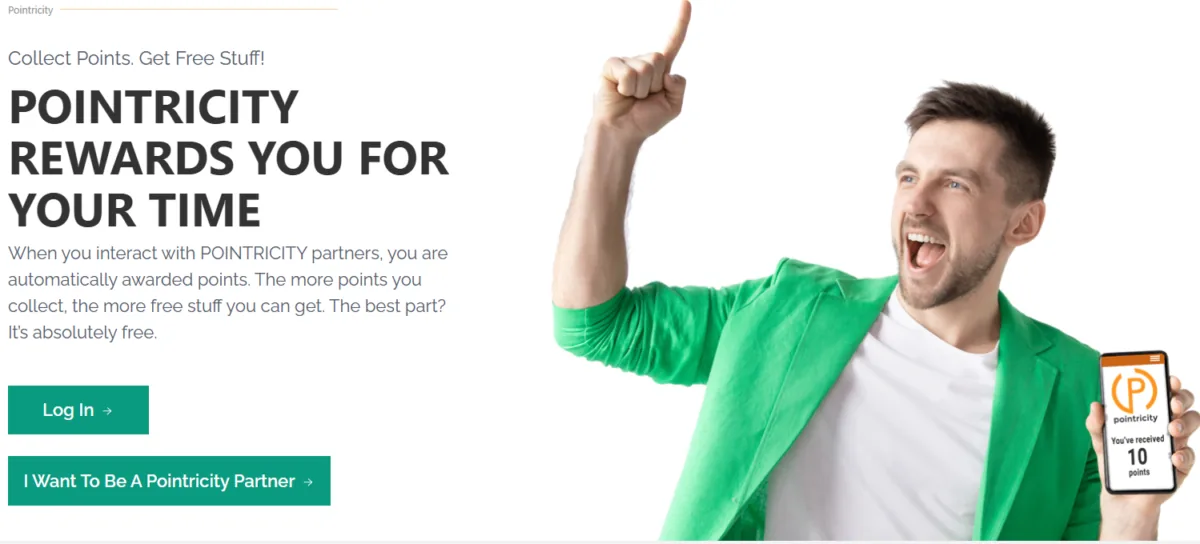
A loyalty platform with three distinct user types - consumers, retailers, and retailer reps - each with their own dashboards, registration flows, authentication states, and operational logic is a fundamentally different engineering problem than a standard WordPress site. The platform needed a marketplace layer for retailer onboarding and payments, a points engine with rules about earning caps and transfer constraints, an event system for multiple event types with different attendance mechanics, QR scanning for in-person events, CRM synchronisation, and OTP verification.
The plugin selection decisions were as important as the custom code. YITH WooCommerce Multi Vendor Premium provided the vendor/marketplace infrastructure. myCred provided the points engine. These were the right tools for the foundation - but both required modification to fit the three-sided model. Vendor role capabilities needed adjustment. myCred hooks needed custom point-awarding logic for the platform’s event types. The WooCommerce prize redemption flow needed to connect back to the myCred balance correctly. Knowing when to extend a premium plugin versus when to build from scratch is the critical architectural judgement call in a project like this.
Custom Theme
60+ Role-Specific Dashboard Templates
The dashboard-templates directory contains templates covering every screen in the platform: the consumer dashboard (point balance, activity feed, available prizes, where-to-earn-points), the retailer dashboard (promotion management, location management, rep assignment, performance reporting), the retailer rep dashboard, and the administrator view. Each user type sees a completely different application experience from within the same WordPress installation.
Separate Authenticated Headers per Context
Four distinct header templates handle different authenticated states - standard authenticated, retailer, scan mode, and shop - so the navigation and interface chrome match the user’s current task rather than presenting a generic navigation to all authenticated users.
UIkit + Kirki Customizer
Application UI built on UIkit for consistent component behaviour and layout. All configurable platform content managed through the WordPress Customizer via Kirki, giving the platform operator control over branding and content without template edits.
Five Custom Plugins
Pointricity Events
Custom post type for events, event lifecycle management, sub-event generation for multi-session events, status transitions, and the email notification pipeline triggered at each stage. Handles the four event types (physical, virtual, webinar, open-access) with their different attendance mechanics.
Pointricity Utilities
Shared helper functions used across the theme and other plugins - a common utilities library that prevents code duplication and ensures consistent behaviour across the platform.
FAQ System
Custom post type for platform FAQs with a shortcode for frontend rendering - giving the platform operator a structured, manageable way to maintain help content.
Image Upload Plugin
Controlled image upload interface for consumers to manage profile and event images through a validated upload flow rather than direct media library access.
Manual Retailer Charging
Gives the platform administrator the ability to apply charges to retailer accounts outside the standard WooCommerce flow - necessary for subscription and fee scenarios that do not map to a standard WooCommerce order.
QR Scanning Pipeline
The QR scanning flow is the operational core for physical events. A retailer or rep opens the scan interface on their mobile device, the consumer presents their QR code, the scan template validates the consumer against the active event, confirms eligibility, awards the configured points via myCred atomically, and displays immediate confirmation. The pipeline handles intermittent connectivity gracefully - a scan interface that fails when the venue wifi is congested is not a viable operational tool.
The sub-event system extends this to events with multiple sessions, tracking attendance per session rather than per parent event - allowing multi-session conferences and workshops to award points for each session independently rather than once per event registration.
Modified Premium Plugins
YITH Multi Vendor Premium + Stripe Connect
Retailer accounts treated as WooCommerce vendors with their own product catalogues and Stripe-connected payout accounts via YITH Stripe Connect. Vendor role capabilities adjusted for the three-sided model - retailer reps operate within the retailer’s vendor context with scoped permissions that do not grant full vendor administrative access.
myCred + Points Cap + Transfer Plus
The points engine with Points Cap and Transfer Plus extensions handling platform-specific constraints on earning and point transfers. Custom myCred hooks connect event attendance, QR scan confirmation, and WooCommerce prize redemption events to the points ledger with the platform’s specific awarding rules.
Integrations
WP Fusion + Zoho CRM
User registration data, role assignments, and WooCommerce order data synced to Zoho CRM via WP Fusion and the Enhanced Ecommerce Addon. A custom integration handles the gap: the platform’s deal structure in Zoho does not map directly to WooCommerce orders for all transaction types, so a custom sync function handles manual assignment of order data to Zoho deals for cases where the standard WP Fusion sync does not produce the correct CRM record.
miniOrange OTP Verification
Email and phone OTP verification on registration via miniOrange, required before accounts become active. The full retailer registration is a three-stage flow - company information, contact information, payment setup - with email verification gating progression to the payment stage.
Stripe Connect Retailer Onboarding
Retailer subscription payments and commission distribution via Stripe connected accounts. Retailers complete Stripe Connect onboarding as part of the three-stage registration flow, enabling automated payout distribution through the platform without the operator handling retailer funds directly.
Pointricity has been running on this architecture since 2020, with the platform operator, retailers, and consumers all operating from within the same WordPress installation across completely distinct application experiences. The monthly maintenance retainer covers WooCommerce and plugin compatibility as the premium plugin stack evolves, security monitoring, and integration health as the Zoho CRM and Stripe Connect environments update on their own schedules.
This is the engagement that demonstrates most clearly what “WordPress as the application layer, not just a CMS” actually means in practice.