



HYPEStudio Knowledge Base Theme

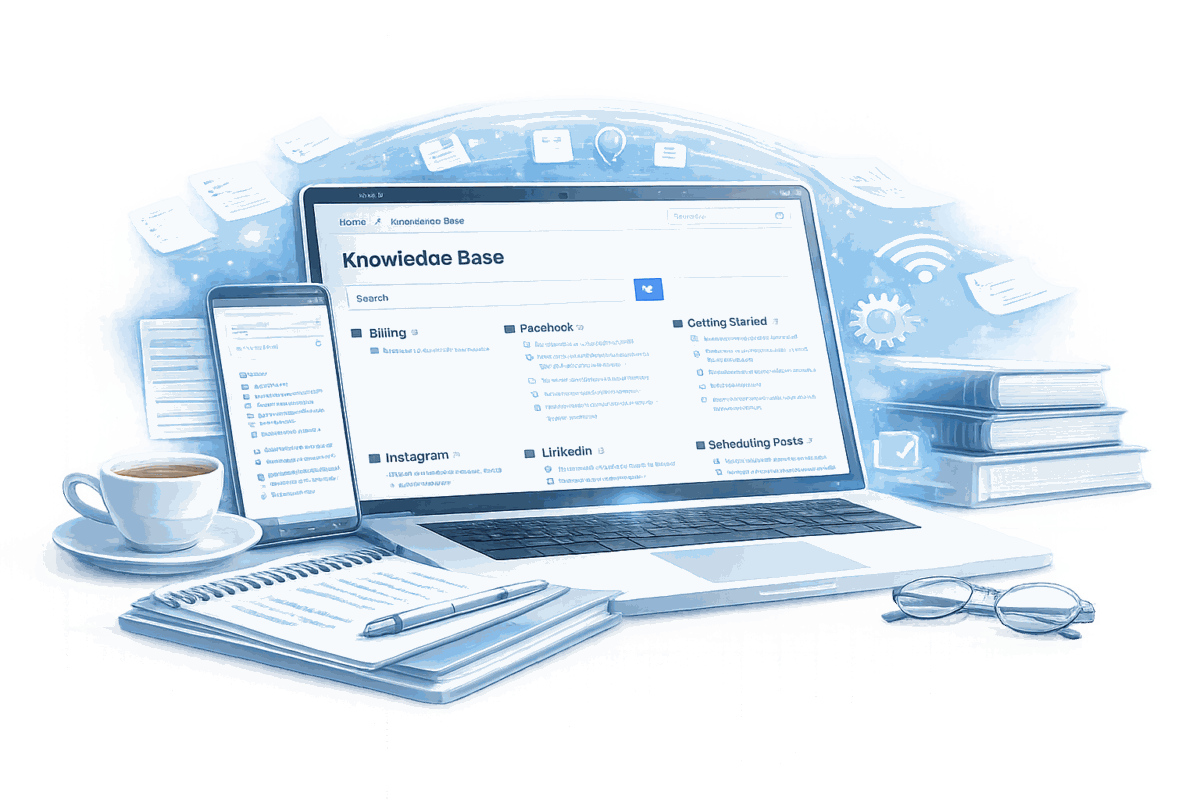
A purpose-built WordPress documentation theme for SaaS help sites. Accordion shortcodes with QuickTags editor buttons, scoped search, breadcrumbs, and six layout templates - so your support team publishes documentation without developer help.

Documentation Knowledge Base SaaS
HYPEStudio Knowledge Base Theme

How It Works

1

Install and Activate

Upload the theme and activate it. Accordion and note shortcodes are available immediately in the WordPress editor toolbar.

Organise by Feature Area

Use WordPress categories to group documentation by product area. The theme renders category navigation for browsing users and filters search results to documentation only.

Author with Shortcodes

Content team uses accordion and note shortcodes via QuickTags buttons in the standard editor toolbar. Complex procedure guides and FAQ sections without any HTML.

Users Self-Serve

Scoped search, breadcrumbs, and clear category navigation get users to answers without opening a support ticket. Less ticket volume, fewer interruptions for the team.

Built for Documentation Teams, Not Adapted from a Blog Theme

Every design and architecture decision is optimised for how users read and navigate support content - not how they browse editorial media.

Accordion Shortcode System

Three-level accordion structure for complex procedures and FAQ sections. QuickTags toolbar buttons let content editors insert shortcodes without writing syntax.

Scoped Search

Non-documentation pages excluded from search results automatically. Users searching for help get documentation articles only - not service pages or blog posts.

Note/Callout Shortcode

Styled callout blocks for warnings, tips, and critical notices. Visually separates important information from surrounding narrative without HTML knowledge.

Custom Breadcrumbs

Home icon, category context on article pages, page title on static pages. Users always know their location in the content hierarchy.

Bootstrap Responsive Foundation

Full Bootstrap layout with custom navwalker. Documentation reads correctly on the mobile devices users hold while troubleshooting a task on another screen.

Six Page Layout Templates

Left sidebar, right sidebar, full width, both sidebars, blank, and empty templates. The content team selects per-page - no developer involvement for layout decisions.

Documentation is a product decision. Not a dev task.

When a user searches your help site and can't find the answer, they open a support ticket. That's the failure. Most teams try to solve it with better content and end up with a blog theme renamed as a knowledge base. It looks like help. It doesn't work like it.

I built this theme for HYPEStudio. The brief wasn't abstract: support team members author articles directly in WordPress without HTML, content organises by feature area so users can browse or search by product function, and the design holds up without a developer ticket for every update cycle.

I've built content management systems for organisations where getting it wrong has real consequences - Great West Life's TimCare employee assistance platform, systems at the Ministry of Education Ontario. The pattern is the same every time: the right architecture removes the dependency on technical staff for routine tasks. A knowledge base is exactly the same problem at a smaller scale.

The accordion shortcode system is the core authoring tool. Three-level structure for complex procedures and FAQ sections. But here's what actually mattered: QuickTags buttons in the WordPress editor toolbar let editors insert shortcodes without writing syntax. I watched a non-technical team member build a full accordion-structured guide in under ten minutes. That was the outcome I was building for, not the feature list.

Scoped search has a specific effect. Without it, searching "billing" returns contact pages, blog posts, and service descriptions mixed in with the article that actually answers the question. The theme excludes non-documentation content from search results automatically. Small feature. Large practical effect.

Six layout templates - left sidebar, right sidebar, full width, both sidebars, blank, empty - cover every documentation pattern the content team encounters. No developer ticket for "can you make this one full width." The editor picks the layout from the page attributes panel and moves on.

The Bootstrap foundation handles mobile correctly. Documentation gets accessed from a phone while the user is mid-task on another screen - that's probably your most common support context. The mobile layout was designed for it from the start, not adapted from desktop afterwards.

I've run the WPToronto Meetup and co-organised WordCamp Toronto, including as lead organiser in 2016. The WordPress community has high expectations for code that ships on real sites. This theme meets them - and more importantly, it meets the expectations of the team actually using it every day.

Need a Custom Documentation Theme for Your Platform?

I build custom WordPress knowledge base themes for SaaS companies - designed around how your support team works and how your users navigate help content. Tell me what your current setup can't do.